- Mods HubEvery mod, one F5 away
- Web pagesHTML, CSS and JS in game
- Native SDKC++ and C# in minutes
Draw real web UI on top of GTA V.JS
vUI puts a transparent Chromium browser over GTA V Story Mode, on Legacy and Enhanced. Build menus and HUDs in HTML, CSS and JavaScript, then talk to your mod from C++ or C#.
Windows 64-bit · GTA V Legacy & Enhanced · version 0.2.5 · API & SDK
Built on
 See what
vUI can do try it
live
Ship real menus and HUDs with the tools you already know.
—Write a page. Send a message. Press F5. Pixel-perfect game UI, built in a browser tab.
HTML, CSS, JavaScript, C++ and C#
Work with all of them
- One transparent 1920×1080 browser
- A rebindable key per menu
- Settings handled for you
Press F5. It behaves like the real thing.
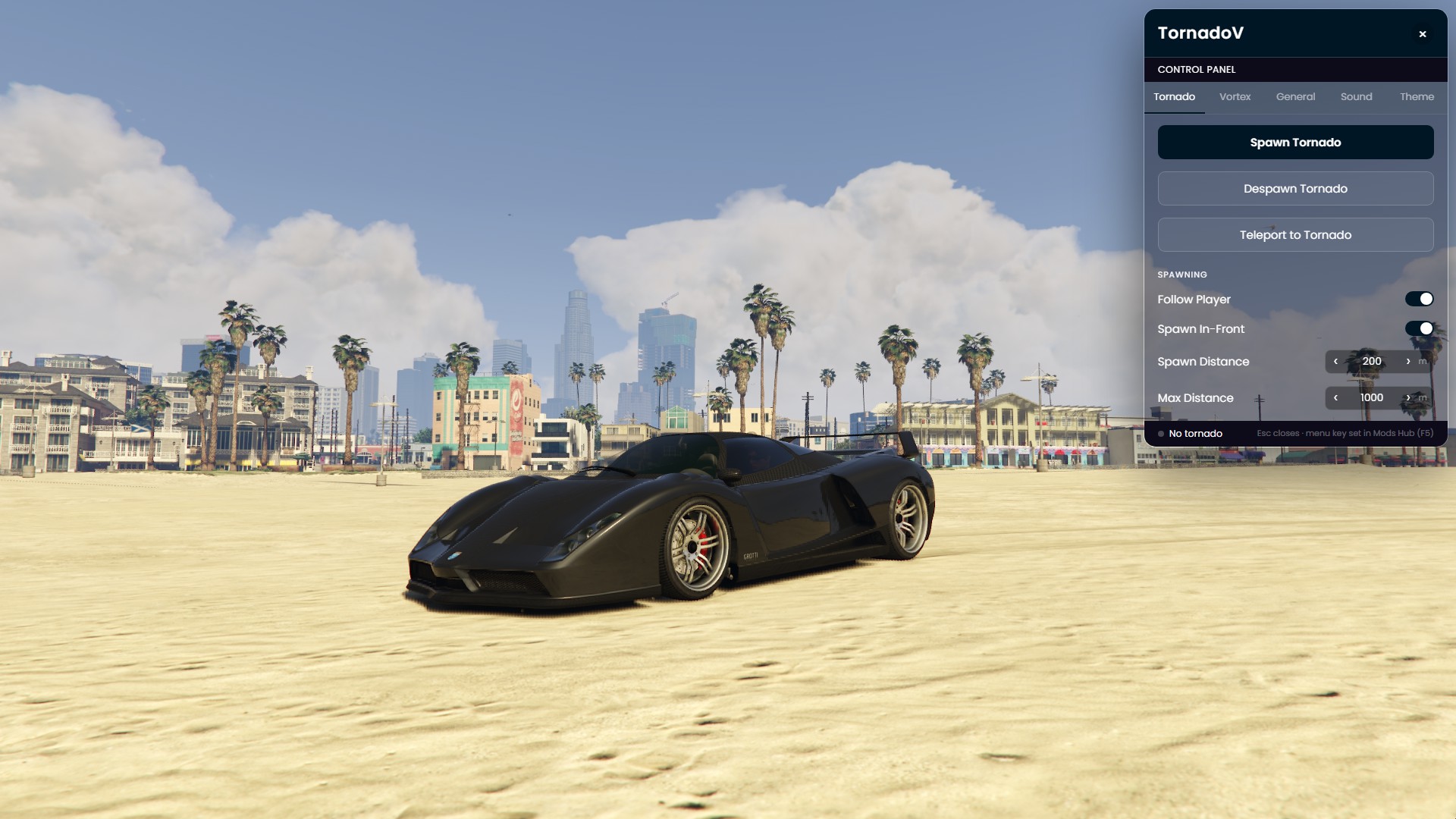
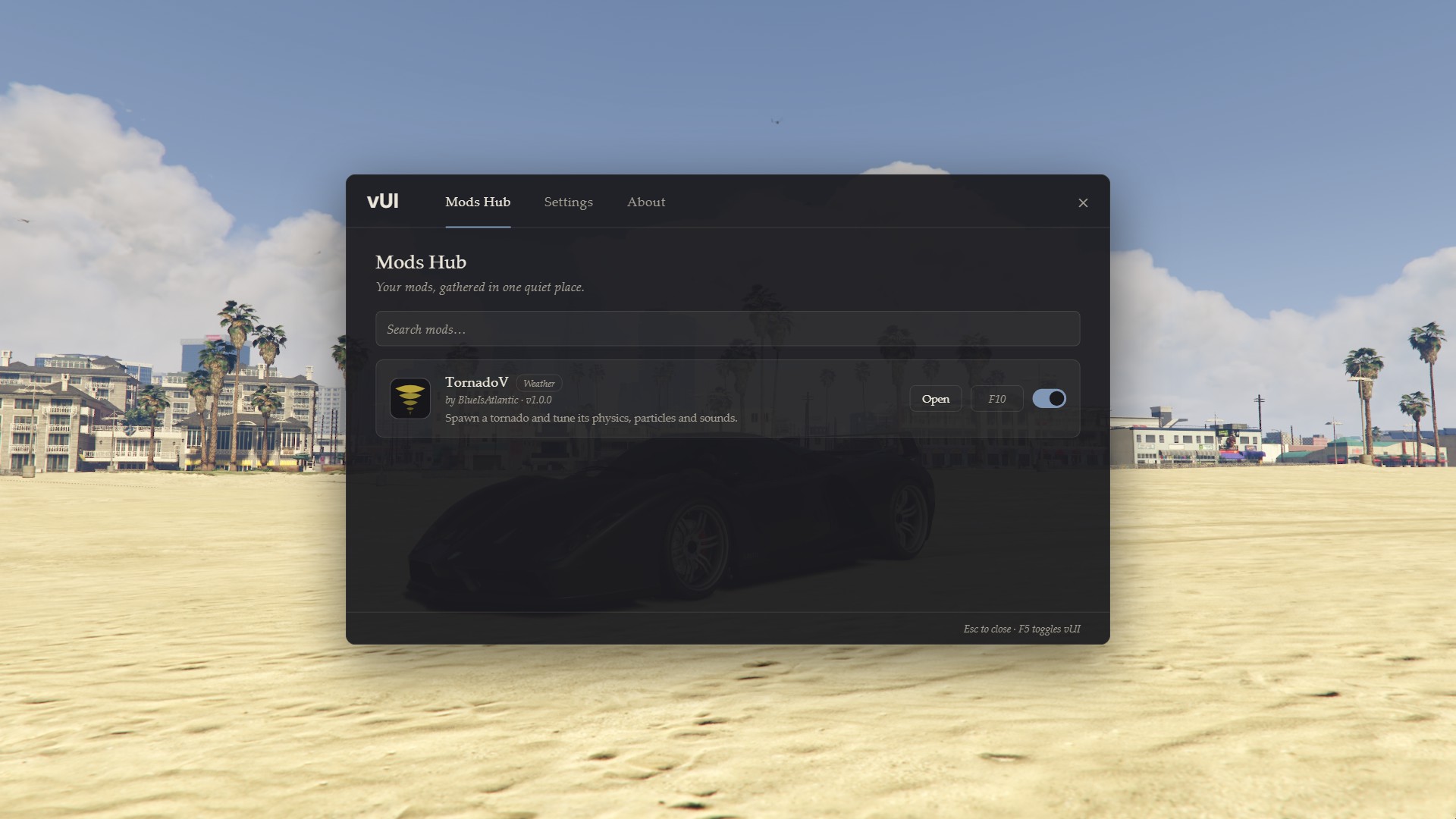
This is a working model of the vUI Mods Hub over the same scene. Open it, toggle mods, rebind a key, open TornadoV and spawn a tornado. Everything you click here is something your mod can do too.
Mods Hub
Your mods, gathered in one quiet place.
Settings
Small adjustments to how this menu looks and behaves.
Interface scale
Make the menu larger or smaller.
Accent colour
A gentle tint used for highlights.
Reduce motion
Turn off fades and sliding transitions.
About
vUI 0.1.0
One transparent browser, one page per mod. Menus open on their own key, HUDs stay on screen, and your game code talks to both with small JSON messages.
A simulation built for this page. The real hub renders the same way inside the game.
Everything a mod needs. Nothing it doesn’t.
One browser, many pages
Every enabled mod loads as its own iframe inside a single transparent browser. Hover to fan them out.
Code-first settings
Ask for a setting with a default. vUI writes the XML for you.
Menu or HUD
A menu opens on its own key and takes mouse and keyboard.
"hasToggleKey": true
DevTools built in
Set debug = true and inspect your page like any other site.
Legacy and Enhanced
Same API, same pages. Only the way vUI gets into the game differs.
Pages are sandboxed
A page can only read and write its own mod’s settings.
Web only is fine
A mod is a folder with a mod.json and a page. No native code needed for a menu that just uses saved settings.
uimods\
  MyMod\
    mod.json
    index.html
    css\style.css
    images\icon.png
{
  "name": "MyMod",
  "hasToggleKey": true,
  "defaultToggleKey": "F7"
}
A two-way street, in JSON.
Your page posts messages to the game. Your game code sends state back. vUI moves the text and never interprets it, so you decide the shape.
// page to game
vui.postMessage({ type: 'spawn', count: 3 });

// game to page
window.vuiReceiveMessage = msg => {
  if (msg.type === 'speed') speed.textContent = Math.round(msg.value);
};
// game side, C++ (ScriptHookV)
static void OnPageMessage(const char* json, void*) {
// runs on the game's script thread: natives are safe here
}
vuiSetMessageHandler("MyMod", OnPageMessage, nullptr);
vuiSendMessage("MyMod", "{\"type\":\"speed\",\"value\":88}");// game side, C# (ScriptHookVDotNet)
var mod = new VuiMod("MyMod");
mod.MessageReceived += json => { /* the page called vui.postMessage */ };
mod.Send(new { type = "speed", value = 88 });Press the buttons to watch a message travel. Full API
Install. Build. Ship.
Install vUI
Run the installer for Legacy, Enhanced or both, or copy the files by hand. Press F5 in game.
Installation 2Build a mod
Make a folder, add a mod.json and a page. Add C++ or C# when you need game logic.
Grab the SDK
Header, import library, C# wrapper and working samples in one zip.
Download SDKReady to put your UI
in the game?
vUI is an early release. Rough edges are expected, and feedback is how they get fixed.